
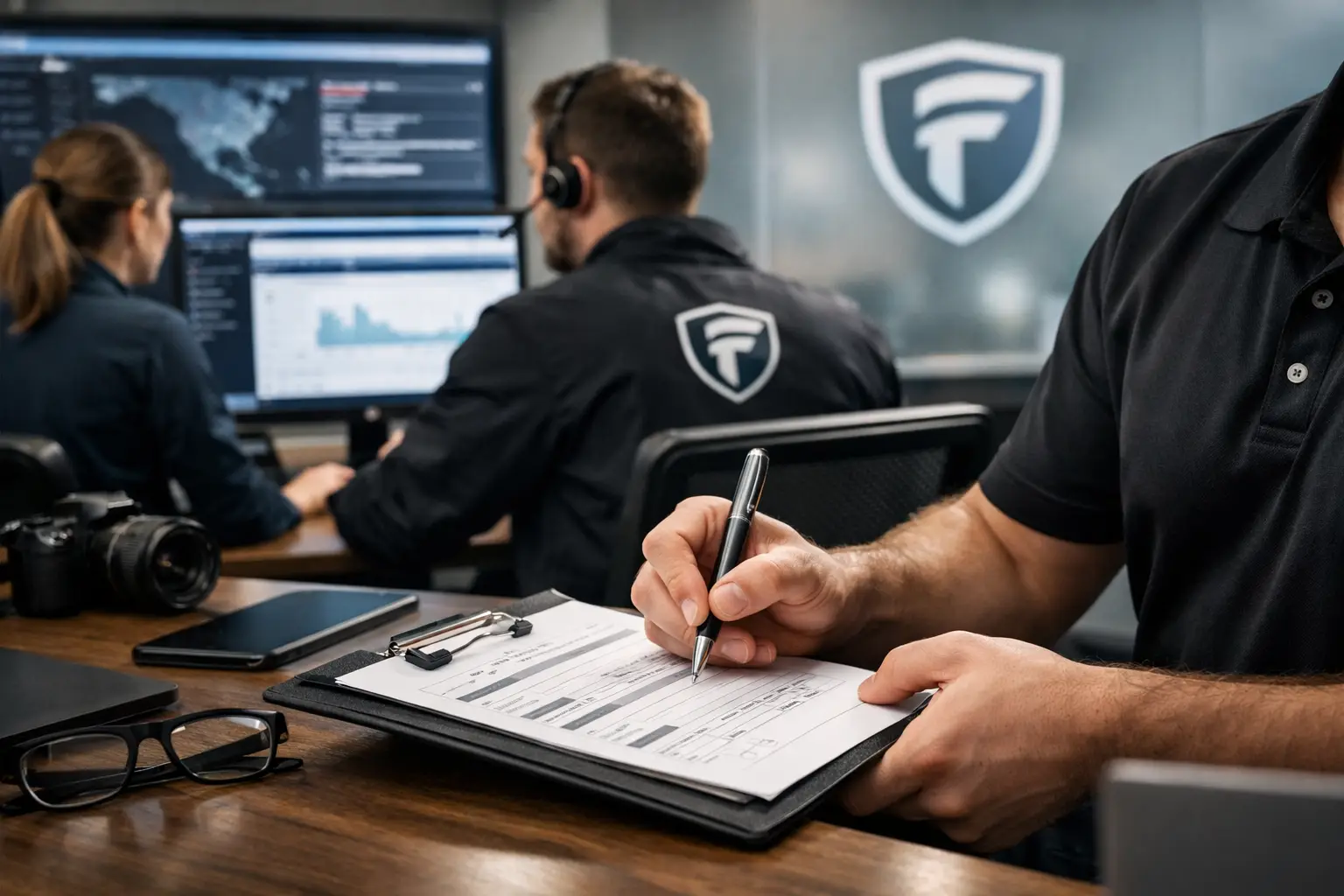
A suspicious login at 2:13 a.m. can become a business-wide disruption by 8:00 a.m. if no one can explain what happened, what systems were touched, or which decisions were made overnight. Knowing how to document incident response gives leadership a factual record to guide recovery, communicate responsibly, and prevent the same issue from returning.
For a small or mid-sized business, incident documentation is not paperwork created after the work is done. It is part of the response itself. Clear records help an internal IT team, managed provider, insurer, legal counsel, or compliance reviewer work from the same facts instead of reconstructing events from memory.
Start documenting incident response at the first alert
Begin an incident record as soon as an alert appears credible enough to investigate. Do not wait until the event is confirmed as ransomware, account compromise, data exposure, or another serious threat. An early record preserves details that can disappear quickly, including security alerts, system logs, emails, chat messages, and user observations.
Assign one person to maintain the primary incident record. That person does not need to perform every technical task, but they should be responsible for keeping the timeline current and resolving conflicting details. In a smaller organization, this may be the IT manager, operations leader, or cybersecurity partner.
The opening entry should establish the basics: the incident number, date and time detected, who reported it, affected business systems, initial severity, and the person leading the response. Record times consistently, including the time zone. For businesses with remote staff, cloud applications, and outside vendors, inconsistent timestamps can create unnecessary confusion.
A practical initial entry might read: “At 7:42 a.m. Central Time, the accounting manager reported repeated multifactor authentication prompts on her mobile device. The account was temporarily disabled at 7:51 a.m. Pending review of email forwarding rules, sign-in history, and access to the accounts payable platform.”
That level of detail is more useful than “possible email issue.” It captures the report, the action, and the scope under review without claiming more than the team knows.
Build a timeline that separates facts from assumptions
The timeline is the backbone of incident response documentation. Every meaningful action should be logged in sequence: when the alert arrived, when the team investigated, what evidence was found, which systems were isolated, who was notified, and when normal operations resumed.
Keep each entry short and objective. Identify the time, the person or team involved, the action taken, and the result. If an investigation produces an assumption, label it as an assumption. This distinction matters. Early evidence may suggest that a phishing email caused an account takeover, but later review may show that an old password was reused on an unrelated website.
For example, write “Sign-in logs show successful access from an unfamiliar location at 6:58 a.m.” Do not write “Attacker entered from another state” unless the evidence supports that conclusion. IP locations can be misleading, and an employee may have been traveling or using a virtual private network.
Preserve source material whenever possible. Save relevant email headers, screenshots, firewall alerts, endpoint detection alerts, audit logs, ticket records, and copies of suspicious files. Note where each item is stored and who collected it. If a file must be removed from a workstation, record its name, location, hash value if available, and the method used to preserve it.
This does not mean every business needs a forensic lab. It means the response team should avoid overwriting or deleting the evidence that may explain the event later.
Record containment decisions and business trade-offs
Containment is often where business pressure is highest. Disconnecting a server, suspending an employee account, or shutting down a warehouse wireless network can stop a threat, but it can also interrupt operations. Documentation should show both the security reason and the operational impact.
Consider a Chicagoland distributor whose shipping staff cannot print labels after suspicious encryption activity is found on a shared file server. The team may isolate the server immediately to protect order records, then move label printing to a clean backup workstation. The incident record should capture why the server was isolated, who approved the temporary process, which business functions were affected, and when the alternate process began.
This protects the organization in two ways. It demonstrates that the team made a reasoned decision under pressure, and it gives leadership a reliable view of downtime for future planning.
Document decisions such as account resets, network segmentation, service shutdowns, backup restoration, emergency vendor access, and customer notifications. Include who authorized each decision. If a decision is delayed because a system supports a critical function, note the compensating controls used while the risk is assessed.
Document communications, not just technical work
A technically excellent response can still create risk if communications are inconsistent. Track who was notified, when they were notified, what information was shared, and what follow-up was expected. This includes executives, department leaders, employees, outside IT partners, insurance contacts, legal counsel, and affected customers when appropriate.
The record does not need to duplicate every email word for word. It should identify the communication channel and preserve the message or meeting notes when the content affects response decisions. For example, document that payroll was notified of a temporary email outage, that staff were instructed not to approve unexpected authentication prompts, or that leadership approved a customer communication.
Be careful with broad conclusions while the investigation is ongoing. Say what is known, what is being investigated, and what employees should do next. Avoid promising that no data was accessed before the evidence supports that statement.
For regulated businesses, communication records can be especially important. Contractual obligations, privacy requirements, and cyber insurance conditions may set expectations for reporting. The right timeline helps counsel and compliance advisers determine what applies without relying on fragmented recollections.
Capture recovery and validation in detail
Restoring a system is not the same as confirming it is safe to return to service. Your documentation should explain what was restored, from which backup or source, what checks were completed, and who approved the return to normal operations.
For a compromised Microsoft 365 account, recovery might include resetting the password, revoking active sessions, reviewing inbox rules, removing unauthorized application consent, checking sent mail, and confirming multifactor authentication is correctly configured. A simple note that the account was “fixed” leaves too much unanswered.
For a server incident, record the backup date used, the restoration location, the malware scan results, the validation performed by the business owner, and any data that could not be recovered. If the organization decides to replace aging equipment rather than restore it, document the reason, cost considerations, and interim safeguards. Replacing every system is not always the responsible answer; sometimes a targeted repair, better monitoring, and a planned replacement timeline make more financial sense.
Also document the end of the incident carefully. State the time the incident was declared contained, the time recovery was completed, and any remaining monitoring or remediation tasks. An incident may be operationally resolved while longer-term work, such as improving email security or updating access policies, remains open.
Turn the incident record into a stronger security plan
Within a reasonable period after the event, hold a structured review with the people who handled the response and the business leaders affected by it. The goal is not to assign blame. It is to identify what worked, where delays occurred, and which improvements will reduce future disruption.
Your post-incident review should answer several practical questions: How was the event detected? Did the team have the access and authority needed to act? Were backups usable? Did employees know how to report the issue? Did a technology dependency create avoidable downtime? Which controls would have changed the outcome?
Translate each finding into an owner, a due date, and a measurable action. “Improve security” is not an action plan. “Require phishing-resistant multifactor authentication for finance staff by October 15” is. The same applies to testing backup restoration, removing unused accounts, documenting emergency contacts, or replacing unsupported network equipment on a budgeted schedule.
Fortress Cybersecurity approaches incident records as living business tools, not files to archive and forget. A well-maintained record helps protect operations during a stressful event and gives leaders the evidence they need to make calm, financially sound decisions afterward.
The best time to build a documentation process is before an alert arrives. A simple incident template, clear ownership, and regular tabletop exercises can turn a chaotic morning into a controlled response - even when the facts are still unfolding.