
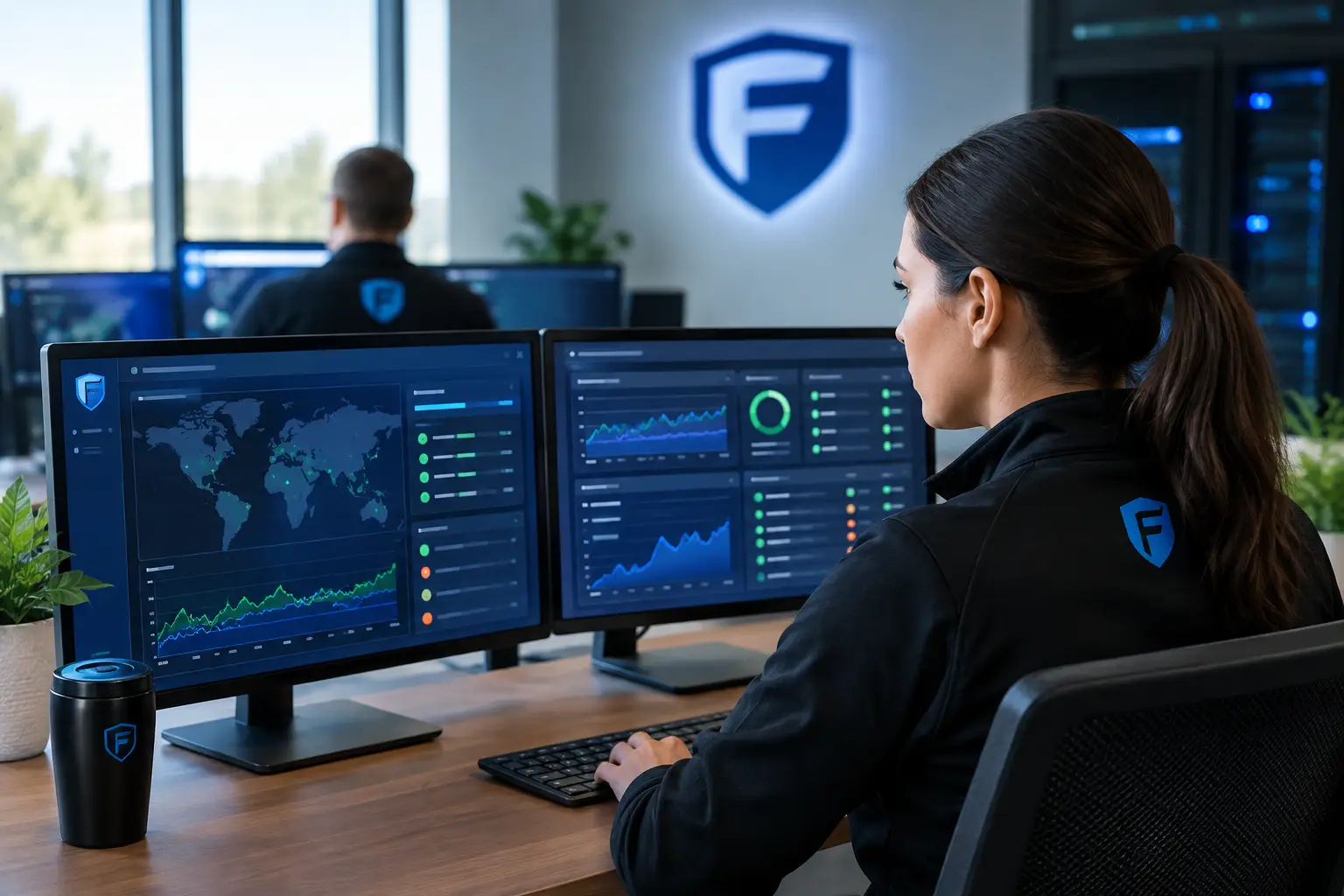
A server rarely fails at a convenient time. For a small business, it may happen when the accounting team is closing the month, a medical office is opening for patients, or a warehouse is processing a major shipment. Proactive IT monitoring services are designed to identify the warning signs before that interruption becomes a costly business event.
The difference is more than technical. Reactive support starts when someone cannot work and submits a ticket. Proactive support watches the systems that keep work moving, then addresses emerging issues while employees are still productive. That approach protects revenue, reduces stress on internal teams, and gives business leaders a clearer view of where technology needs attention.
What Proactive IT Monitoring Services Actually Watch
Effective monitoring is not simply software generating alerts around the clock. It is a managed process that combines technology, experienced review, and a defined response plan. The goal is to distinguish between a minor event that can wait and a developing issue that needs immediate action.
For most small and mid-sized businesses, monitoring should cover the core systems employees depend on every day: servers, workstations, network equipment, internet connections, cloud services, backups, endpoint security, and user access. A monitoring platform can detect conditions such as low disk space, failing hardware components, unusual login behavior, missed backups, expiring certificates, or a sudden spike in network traffic.
Those signals matter because technology problems often develop gradually. A server may begin running out of storage weeks before it becomes unavailable. A firewall may show repeated failed login attempts before an attacker gains access. A backup job may fail quietly for several nights, leaving the business exposed when restoration is needed most.
Monitoring gives a managed IT team the opportunity to investigate these conditions early, validate the risk, and take appropriate action. Sometimes that means clearing logs or adjusting capacity. In other cases, it means scheduling a replacement before an aging device fails during business hours.
Downtime Is More Expensive Than the Repair
When a critical system goes down, the repair bill is only one part of the cost. Employees lose time. Customers wait for answers. Orders can be delayed, data may become inaccessible, and leadership is pulled away from planned work to manage an emergency.
Consider a 45-person distribution company that relies on its warehouse management application to receive and ship orders. The application runs on an on-premises server that has served the business reliably for years. Monitoring begins reporting recurring storage warnings and slower-than-normal backup completion. Neither issue has stopped operations yet, so it would be easy to dismiss them.
A proactive review connects the dots. The storage volume is nearing capacity, and the backup window is stretching because the server is working harder to process growing order data. Rather than waiting for a full disk to halt the application, the IT team can expand storage, verify backup integrity, and build a replacement plan into the company’s budget. The business avoids a warehouse outage and gets time to make a sound financial decision.
That is the practical value of proactive work. It does not promise that every technical issue can be prevented. Hardware can still fail unexpectedly, software vendors can have outages, and cyber threats continue to evolve. It does, however, reduce avoidable disruption and improve the organization’s ability to respond when something unusual occurs.
Monitoring and Cybersecurity Belong Together
Many business leaders think of monitoring as an uptime service and cybersecurity as a separate concern. In practice, the two are closely connected. A security incident often begins with behavior that looks abnormal long before anyone recognizes it as an attack.
For example, a monitoring and security team may see a user account attempting to sign in from an unfamiliar location, followed by repeated access attempts to shared files. It may detect endpoint protection that has stopped reporting, a workstation communicating with suspicious destinations, or an administrator account being used outside normal business hours. These events do not always indicate a breach, but they deserve investigation.
The response must be proportionate. Blocking a legitimate employee during travel can disrupt work, while ignoring unusual activity can create a much larger problem. This is why alert review and experienced judgment matter. Good proactive IT monitoring services establish what normal activity looks like for the business, investigate deviations, and escalate meaningful risks quickly.
Monitoring also supports basic security discipline. It can confirm whether critical patches are being applied, whether backup jobs are completing, whether devices are protected, and whether systems that should be retired are still connected to the network. These details are especially valuable for organizations facing insurance, customer, or regulatory requirements.
The Right Response Matters as Much as the Alert
A monitoring tool can produce thousands of notifications. That does not mean a business is well protected. Without clear ownership and response procedures, alerts become background noise, and serious warnings may be missed.
A strong managed IT partner defines what happens after an alert appears. The team should know which issues can be remediated automatically, which require technician review, and which should be escalated to the client immediately. Communication should be clear enough for a business leader to understand the impact, the recommended action, and any decision that requires approval.
For instance, a failed backup may be corrected without interrupting the workday. A failing server drive may require a scheduled maintenance window. Evidence of possible account compromise requires faster action, including securing the account, reviewing related activity, and communicating with the appropriate people inside the organization.
The best process is not the one that creates the most tickets. It is the one that prevents recurring issues and keeps leadership informed without overwhelming them with technical detail.
Proactive Monitoring Should Inform IT Planning
Monitoring data is useful beyond day-to-day support. Over time, it shows patterns that help businesses make better technology decisions. Leaders can see which systems are nearing capacity, which devices are aging, where recurring network problems occur, and whether cloud resources are being used effectively.
This is particularly important for organizations working with a mix of newer and older technology. Replacing everything at once is rarely necessary or fiscally responsible. An older server, firewall, or group of workstations may still be reliable enough to remain in service while the business addresses a more urgent security gap or operational need.
A responsible provider uses monitoring findings to create a maintenance and replacement schedule. The plan should identify what needs immediate attention, what can be maintained safely, and what should be budgeted for over the next one to three years. That gives owners and operations leaders time to plan rather than react to surprise expenses.
At Fortress Cybersecurity, this security-first perspective helps clients evaluate the real cost of maintaining existing technology against the cost and risk of replacement. The recommendation should be based on business impact, not a blanket rule that every aging device must be removed immediately.
Questions to Ask Before Choosing a Monitoring Partner
Not all monitoring services provide the same level of protection. Before committing, business leaders should understand who is watching their environment, what is being monitored, and how quickly meaningful alerts are handled.
Ask whether monitoring includes after-hours coverage and whether a real person reviews critical security and infrastructure alerts. Clarify whether backups are only checked for completion or periodically tested for restoration. Ask how the provider documents recurring issues and turns them into long-term improvement plans.
It is also wise to discuss the systems already in place. A provider should be willing to assess current tools and infrastructure before recommending change. Some businesses need immediate modernization; others need stronger oversight, better configuration, and a practical roadmap. The right answer depends on risk, operational dependence, compliance needs, and budget.
Finally, look for communication that is direct and understandable. A useful monthly or quarterly review should connect technical findings to business consequences. Leaders should leave knowing what is protected, what needs attention next, and why it matters.
A Quieter, More Predictable Technology Environment
The goal of proactive monitoring is not to make technology invisible or to pretend problems will never happen. It is to make the environment more predictable. Instead of learning about a failing system from frustrated employees, leaders receive early warning and practical options.
That shift gives small and mid-sized businesses something valuable: room to make decisions on their terms. When technology is watched closely, maintained thoughtfully, and tied to a realistic plan, the business can spend less time responding to preventable disruption and more time serving customers well.